


Over the last year there’s been a lot of change at Ludi, our rebrand from Metro Retro being the most obvious, but along with that came a host of other internal initiatives. Launching a new marketing site, updating our positioning, improving onboarding email sequences, understanding our customers, and the list goes on.
These are not “delivery” problems in the same vein as product releases where you have your standard processes of sprint planning, refinement and retrospectives. They require a different mode of thinking, less about breaking down known work and more about exploring possibilities, weighing trade-offs, and committing to strategic bets.
These boards help us to maintain focus on our goals, we can make decisions quickly out of noisy to-do lists and see clearly where the work will take us, most importantly, if it’s worth doing.
We use Ludi everyday as a team and individually. Even as a designer who grew up on sketches in notebooks and detailed ‘redline’ documents, I now use Ludi more than I do Figma when starting any new project or strategic initiative. Ludi’s flexible and focused canvas means we’re not distracted by an overwhelming UI or tempted to switch to a design tab and make changes.
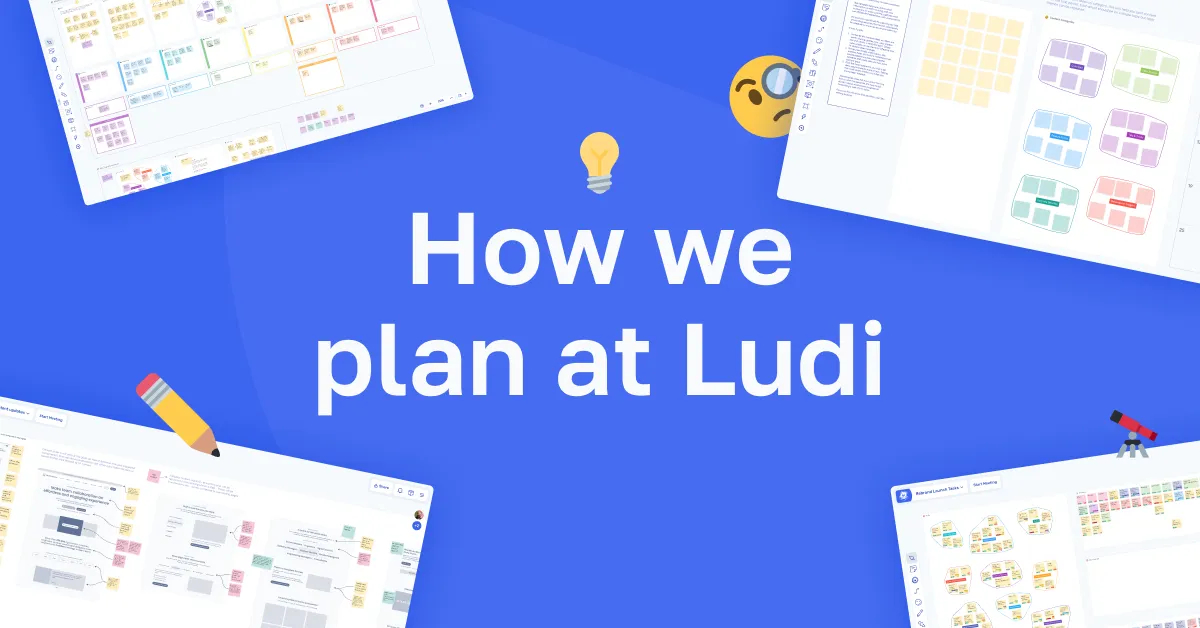
The first six of our planning boards are now available as templates for any team to use and adapt.
Read more below about how they could help your team.
Work Stream Planning
We used this format to acknowledge different areas of our business which needed attention and define what benefits we could gain from focusing time on them.
Use this to: Build an overview of the different areas of your business and identify opportunities for impactful quick wins.
In this template you get:
- A high level overview of your business.
- Outcomes focused discussion.
- Clear decisions on your next actions.
Try the Work Stream Planning Template
Project Launch
We used this format to define and manage all tasks associated with the Metro Retro to Ludi rebrand rollout.
Use this to: Collect, agree on and group tasks required for a successful time-based launch which involves multiple areas of the business
In this template you get:
- An overview of all aspects of a project, which helps you think wider than product development.
- Time based task prioritization.
Try the Project Launch Template
Design Review
I use this template when bringing designs to the team for review. It’s a simple way to share my thoughts, gather feedback and create follow up actions.
Use this to: Share WIP designs in a simple environment where it’s easy to gather contextual feedback and capture point in time decisions.
In this template you get:
- Overview of why changes are being made.
- Contextual reasoning and feedback.
- Point-in-time snapshot of decision making.
Try the Design Review Template
Email Content Planner
We used this template to plan our trial onboarding email sequences.
Use this to: Gather, group and plan content ideas for onboarding emails, or any other email series
In this template you get:
- Overview of content topics and groups for your series.
- Identify content gaps or opportunities for repurposed content.
- High-level timeline view of the planned sequence.
Try the Email Content Planner Template
Product Pricing Plan
We used this template to help determine how we structure our plans in Ludi to specific use cases.
Use this to: Build an overview of your pricing strategy at a use case and feature availability level
In this template you get:
- View of your pricing plans and their intended ICP.
- Map of your features or functionality.
- Plan matrix to determine opportunities for upgrade.
Try the Work Product Pricing Plan Template
Landing Page Content Mapping
We used this template to position our website content to various role based use cases and map product features to a JTDB (jobs to be done) framework.
Use this to: Quickly map your product website content by topic, use case or target audience.
In this template you get:
- High level view of product feature mapping to target audience.
- Visibility of content gaps.
Try the Landing Page Content Mapping Template
This is not the entirety of our process but these are the boards we wanted to share first to help product teams like us. Teams who need to make strategic decisions quickly, collaboratively and focused on outcomes that drive our product in the right direction for Ludi and our customers.
If you try these boards with your team, let us know how it worked, and if you haven’t tried Ludi yet, get started now for free!
Have any questions about these boards or anything else Ludi related, send me an email at steve.moseley@ludi.co
Cheers, Steve.