Made for Team Input
Why Ludi sticky notes work better for team sessions
Sticky notes are at the centre of how teams collaborate, from capturing ideas to grouping, discussing, and deciding what to do next. Ludi makes sticky notes fast to create, easy to organise, and designed for real-time collaboration, so teams can focus on the session instead of the tool.

Create ideas instantly
Double-click anywhere on the board to create a sticky and start typing, with no need to select tools or navigate menus.

Encourage honest input from everyone
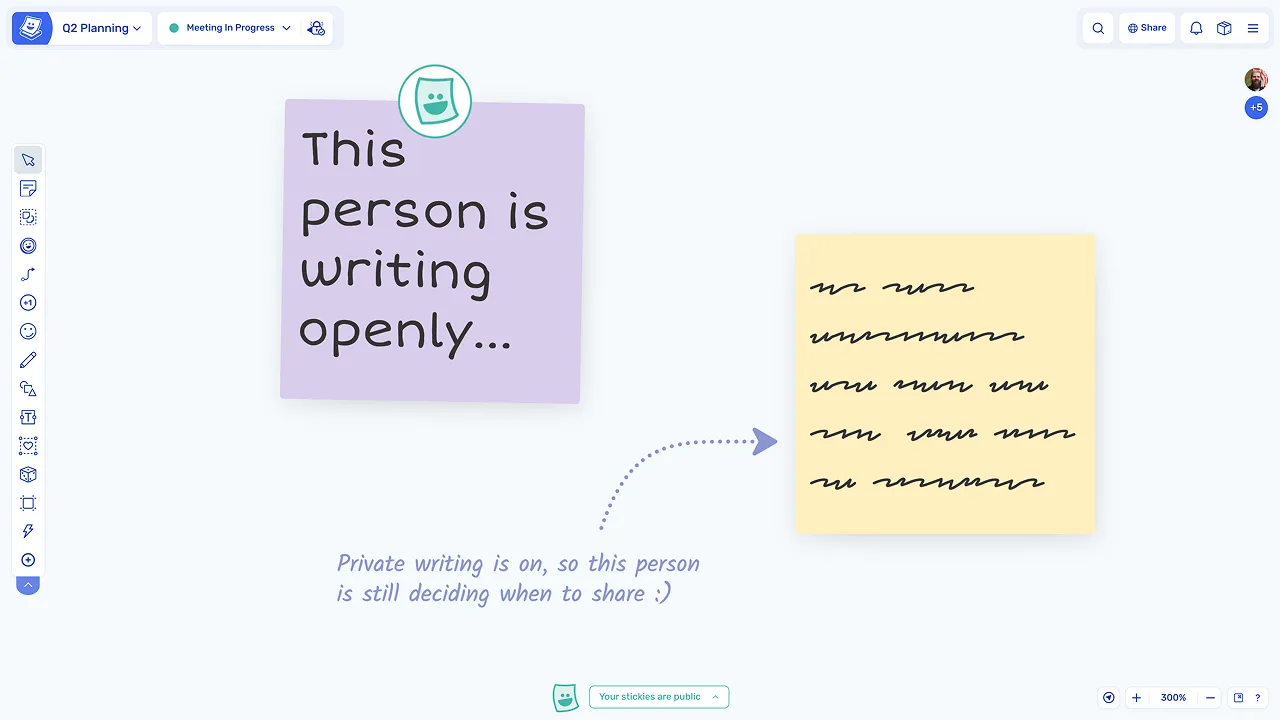
Private writing allows participants to write independently before revealing their ideas, helping avoid bias and groupthink.

Keep boards organised automatically
Sticky notes inherit colours from zones, so boards stay structured and easy to scan without manual formatting.

Make collaboration more human
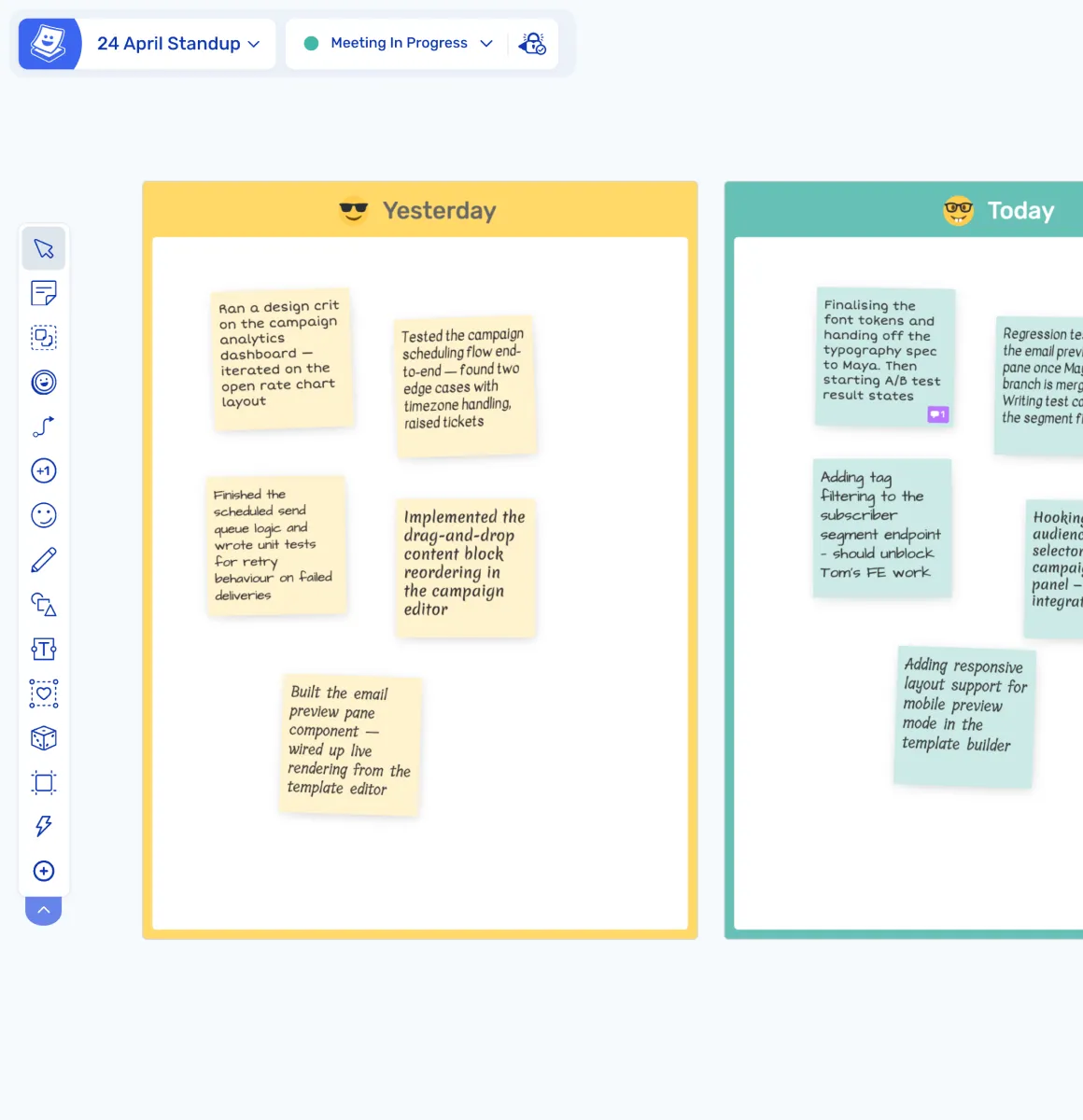
Each participant's stickies appear in a unique handwriting font, making contributions easier to recognise and follow.

Turn ideas into structured themes
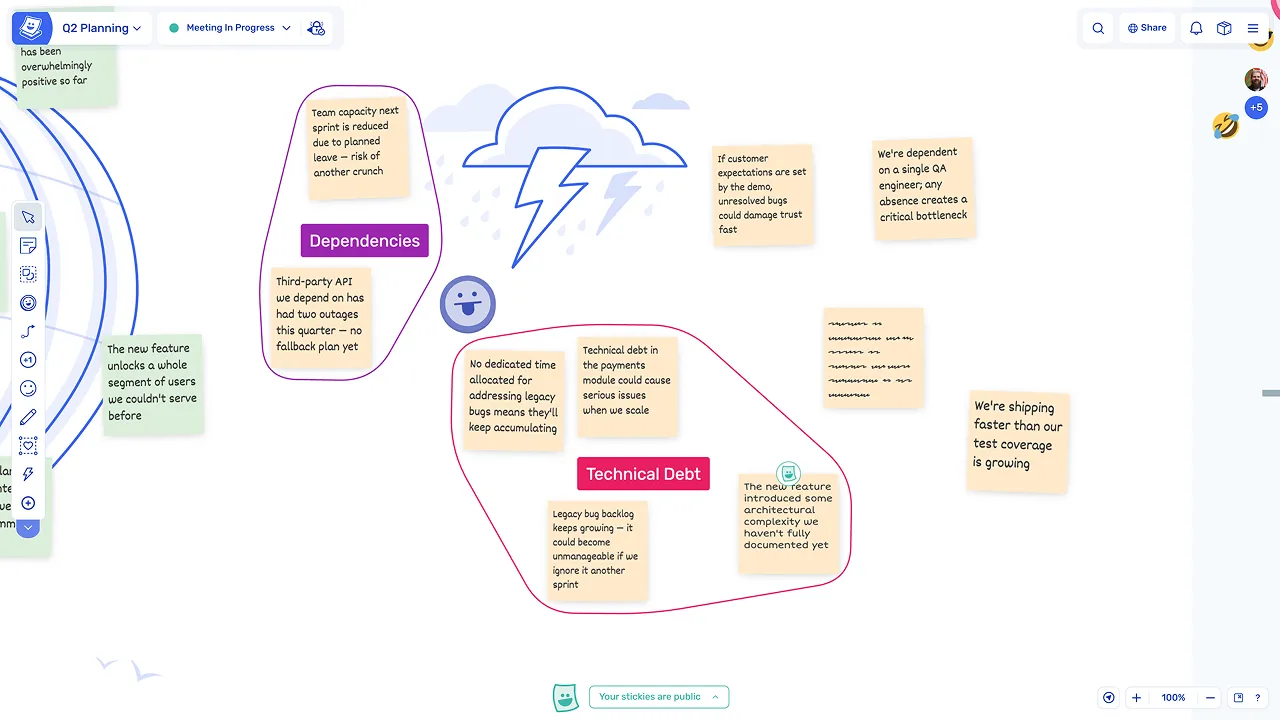
Sticky notes can be grouped into topics, helping teams organise information and identify patterns quickly.

Move from ideas to action
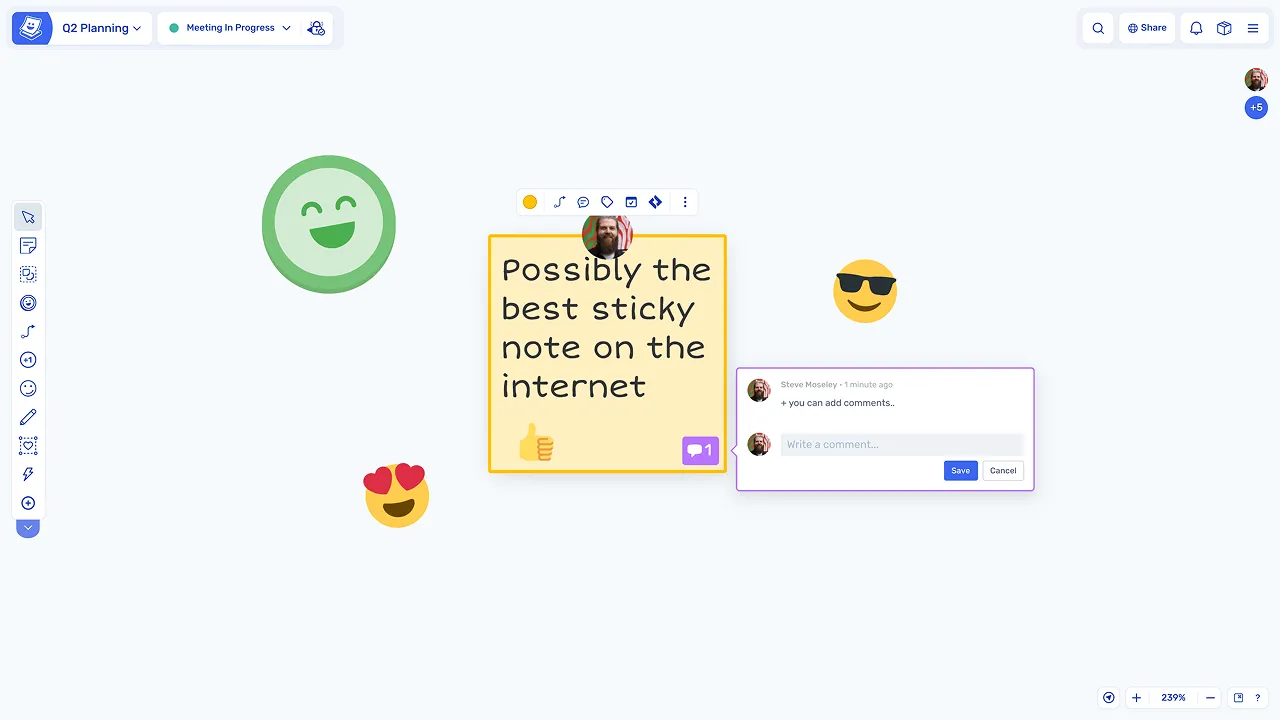
Stickies can be voted on, commented on, and converted into actions or Jira issues, keeping the workflow connected.
What are sticky notes?
Sticky notes are the core interaction unit in Ludi, used to capture ideas, feedback, and discussion points during team sessions. Teams write individual thoughts on stickies, then group, discuss, vote, and act on them.
They are used across all types of sessions, including retrospectives, planning, brainstorming, workshops, and estimation. Every sticky remains on the board as a record of the session, with all contributions visible and accessible later.
How teams use sticky notes in Ludi
Create stickies anywhere on the board
Double-click anywhere to create a sticky note and start typing immediately, with no toolbar or setup required. The board itself is the creation surface, so participants can add ideas without interrupting their flow.
Write independently or collaboratively
In private writing mode, stickies are hidden until revealed, allowing participants to write without seeing others' input first. This helps everyone contribute their own perspective before the group discussion begins.
Organise ideas visually
Stickies can be grouped into topics, forming clusters with labels that help structure ideas and identify themes. Groups make it easy to move from individual contributions to a shared understanding of the key points.
What makes Ludi sticky notes different
Auto-colouring by zone
Stickies automatically take on the colour of the zone they are placed in, ensuring boards stay visually consistent and organised without any manual formatting.
Individual handwriting fonts
Each participant's notes appear in a distinct font, making contributions easy to recognise and keeping the collaborative feel of a physical session.
Persistent emoji reactions
Emoji stamps remain on stickies as visual markers, showing emphasis and engagement from the session even after it has ended.