

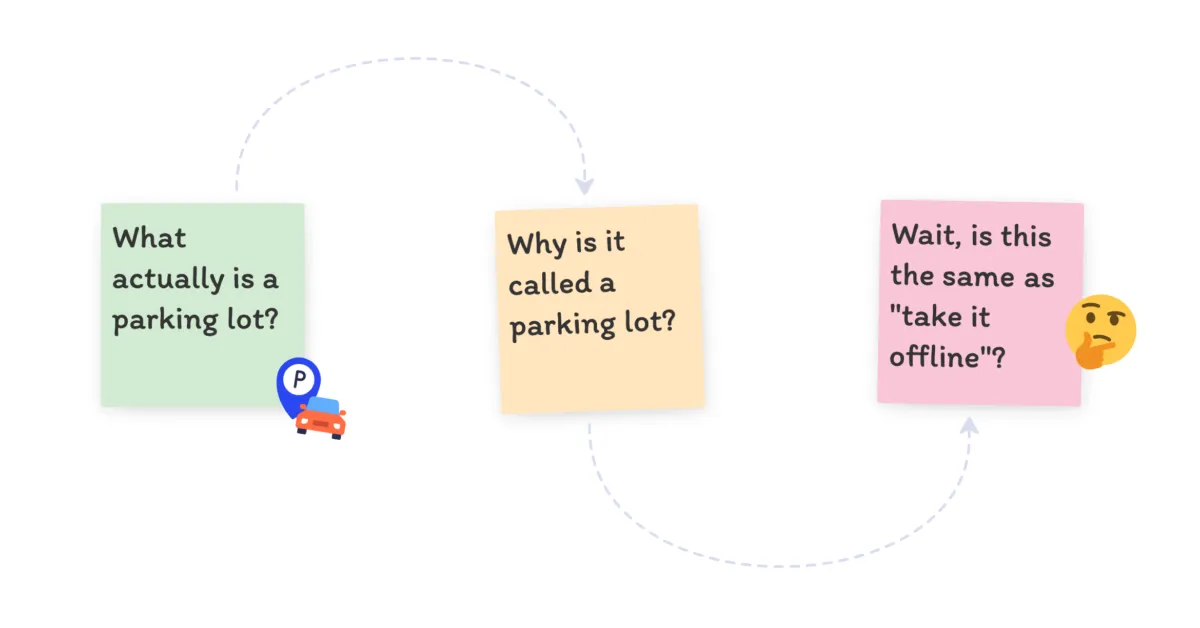

The short answer
A parking lot in a meeting is a visible, shared space where you capture off-topic items so you can come back to them later without derailing the current discussion.
That’s it. Someone brings up something worth talking about, but it’s not what the meeting is about right now. Instead of going down a rabbit hole or shutting them down, you write it on a whiteboard, a sticky note, or a section of your digital board. You ‘park’ it. Then you review everything that got parked before the meeting ends.
The name is literal. You’re parking the idea. It’s not forgotten, it’s just not in the way.
Funny story - the reason I wrote this page is because during standup earlier that day, my co-founder said to our junior engineer, “let’s do a parking lot about the MS Teams integration.” The rest of us were about to drop off, and the junior engineer says “actually… what is a parking lot?”. I laughed and dropped off, leaving my co-founder to explain the term.
We’d been using ‘parking lot’ around him without explaining. He’d just figured it was code for “stay on the call after everyone else leaves”, but nobody had ever actually explained why it was called that. And to be fair, it was probably the same for us back in the day.
Why a parking lot works
Meetings go off track because people have things to say and nowhere to put them. The parking lot gives them somewhere. The person with the off-topic point feels heard instead of dismissed. The meeting doesn’t get derailed. And good ideas don’t vanish just because they came up at the wrong moment.
Think about the last time someone in your meeting said “let’s take that offline.” Did anything actually happen offline? Probably not. A parking lot is the version of that where you write it down, everyone can see it, and there’s a point in the meeting where you come back to it.
Where it really shines: short daily meetings
If your team has a daily standup or check-in, you’ve probably seen this: someone mentions a problem, two other people have opinions, and suddenly your 15-minute meeting is a 40-minute design discussion while everyone else sits there.
A parking lot fixes this. The topic gets written down, the standup finishes on time, and the people who need to discuss it stay for a few extra minutes afterwards. Everyone else leaves. The topic still gets covered in depth, just with the right people and without holding the whole team hostage.
It’s one of those things that sounds obvious when you hear it, but most teams don’t do it until someone sets it up.
Before the meeting starts
All you need to do is to pick a visible space for the parking lot. On a physical whiteboard, draw a box in the corner and label it. On a digital board, add a section or zone off to one side. If you’re using Ludi, just add a zone labelled “Parking Lot” to whatever template you’re running, whether that’s a Daily Standup, Sailboat retro, or a sprint planning session.
At the start of the meeting, mention it: “If something comes up that’s important but not on today’s agenda, we’ll park it here and come back to it at the end.” That’s all the setup it needs.
When something comes up mid-meeting
- Acknowledge what the person said. A quick “that’s a fair point” goes a long way.
- Explain why you’re parking it. “It’s not quite what we’re focused on right now, so let’s capture it and come back to it.”
- Write it down where everyone can see. This is the bit that matters. If you just say “we’ll come back to it” without recording it, nobody trusts the process.
- Keep going. Don’t debate whether it belongs in the parking lot. Just park it.
In a team meeting, you want everyone to feel empowered to be able to say “parking lot” at any point. This isn’t just reserved for the facilitator.
Before the meeting ends
Reserve the last 5-10 minutes for the parking lot. Go through each item and decide what happens to it:
- Talk about it now, if it’s quick
- Assign it to someone to deal with after the meeting
- Add it to the agenda for next time
- Drop it, if the group agrees it’s not worth pursuing (this is fine)
The important thing is that every parked item gets a decision. Not “we’ll think about it.” An actual next step. If you skip this part, you’ve just built a nicer-looking bin.
Common mistakes
Not reviewing the parking lot
By far the most common one. The facilitator parks items all through the meeting, then runs out of time and says “we’ll pick these up next meeting.” Next meeting, nobody remembers. People learn quickly that the parking lot is just a polite way to ignore them, and they stop contributing.
Fix: Use a timer - reserve the last 5-10 minutes of a meeting for parked items.
Using it to shut people down
If everything gets parked, nothing gets discussed. The parking lot should be for items that genuinely don’t fit the current topic, not for things the facilitator finds inconvenient.
A useful gut check: would you park this item if it came from the most senior person in the room? If not, don’t park it just because it came from someone quieter.
Making it invisible
This one’s simple. If the parking lot only exists in the facilitator’s notebook, nobody else knows what’s in it. Put it where the room can see it. That’s the whole point.
No follow-through
You reviewed the parking lot, you assigned items, and then… nothing happened. This is the slow death of a parking lot. Nobody says anything, but the next time you try to park an item, you’ll notice people don’t bother contributing. Check in on assigned items at the start of the next meeting. Thirty seconds. That’s what makes the difference between a parking lot people trust and one they ignore.
Parking lot vs “let’s take that offline”
“Let’s take that offline” is the parking lot’s lazy cousin.
When you say “let’s take that offline,” the item vanishes. There’s no record, no owner, no point in the meeting where it comes back up. It’s a reflex, not a system.
A parking lot makes the item matter.
It’s now in writing where everyone can see it. There’s a specific moment in the meeting where it gets reviewed. That’s not the same thing at all.
If you hear yourself saying “let’s take that offline” more than once in a meeting, what you actually need is a parking lot.
Quick checklist
For your next meeting:
- Add a visible “Parking Lot” section to your board or meeting space
- Mention it at the start
- When parking an item, acknowledge it and write it down immediately
- Stop the main agenda 5-10 minutes early
- Review each parked item and give it a next step
- Follow up on assigned items at the start of the next meeting
That’s it.
And if you need an online whiteboard to put your parking lot on, you’ve got Ludi.
Still here? A bit of history.
You’ve got what you came for, so this bit is optional. But if you’re curious (or just procrastinating), here’s where the parking lot came from.
The technique isn’t new and it isn’t specific to any one way of working. It’s been a facilitation tool for decades. Anyone who’s run workshops, training sessions, or town halls has probably used some version of it, even if they called it something different. “Bike rack” and “idea store” are the same concept with different labels.
It became especially popular with teams that timebox their meetings. If you’ve only got 60 minutes for a retrospective or 15 minutes for a standup, you can’t afford to follow every tangent. But you also can’t just tell people their input doesn’t matter. The parking lot splits the difference: it protects the agenda without shutting anyone out.
Mike Cohn, one of the co-founders of the Scrum Alliance, came up with the idea of a “16th minute” for standups. The standup itself stays to 15 minutes. But anyone who needs to can stick around for one more minute to discuss a parked item. The people who don’t need to be there leave. Simple, and it’s the same principle that makes parking lots work in any meeting: you’re not adding time, you’re creating a small buffer for the things that didn’t fit.
If you’ve made it this far, you’re either genuinely interested in meeting facilitation or really avoiding something. Either way, go try a parking lot in your next meeting. It takes two minutes to set up and it’ll save you twenty. Try pairing it with ELMO (Enough, let’s move on), tip 5 in online meeting techniques.