

Made for Visual Thinking
Why Ludi works well for diagramming and mindmaps
Diagramming works best when teams can explore ideas visually, collaborate in real time, and keep context alongside the diagram. Ludi provides a flexible canvas where teams can sketch, connect, annotate, and refine diagrams together, without the rigidity of traditional diagramming tools.

Flexible visual thinking, not rigid diagrams
Teams can sketch diagrams freely using shapes, connectors, and stickies, without being constrained by rigid diagramming rules.

Build diagrams together in real time
Multiple people can create and refine diagrams simultaneously, making sessions more collaborative and engaging.

Keep context alongside the diagram
Notes, questions, and comments can be added directly on the board, so the full discussion stays connected to the visual.

One canvas for diagrams and discussion
Diagrams, annotations, and collaboration all happen in the same workspace, without switching between tools.
What are diagramming and mindmapping sessions?
Diagramming and mindmapping sessions are used to create visual representations of systems, processes, relationships, or ideas. These can include mindmaps, flowcharts, process maps, system diagrams, and organisational charts.
Teams use these sessions to understand complexity, plan work, document processes, or explore a problem space. They can be run collaboratively in real time or created individually and shared for feedback.
How teams run diagramming and mindmapping in Ludi
Start with a blank board or template
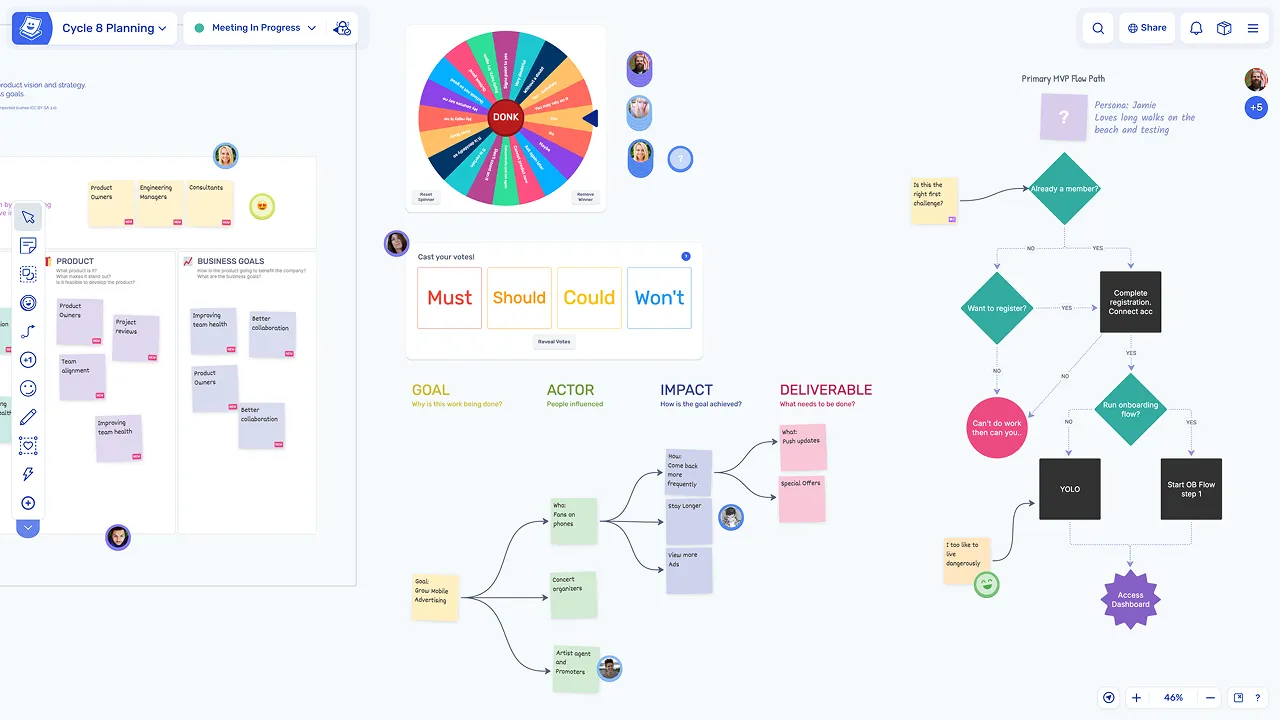
Teams can begin with a blank canvas or use a template depending on the type of diagram they want to create, providing a starting structure without limiting flexibility.
Build the structure visually
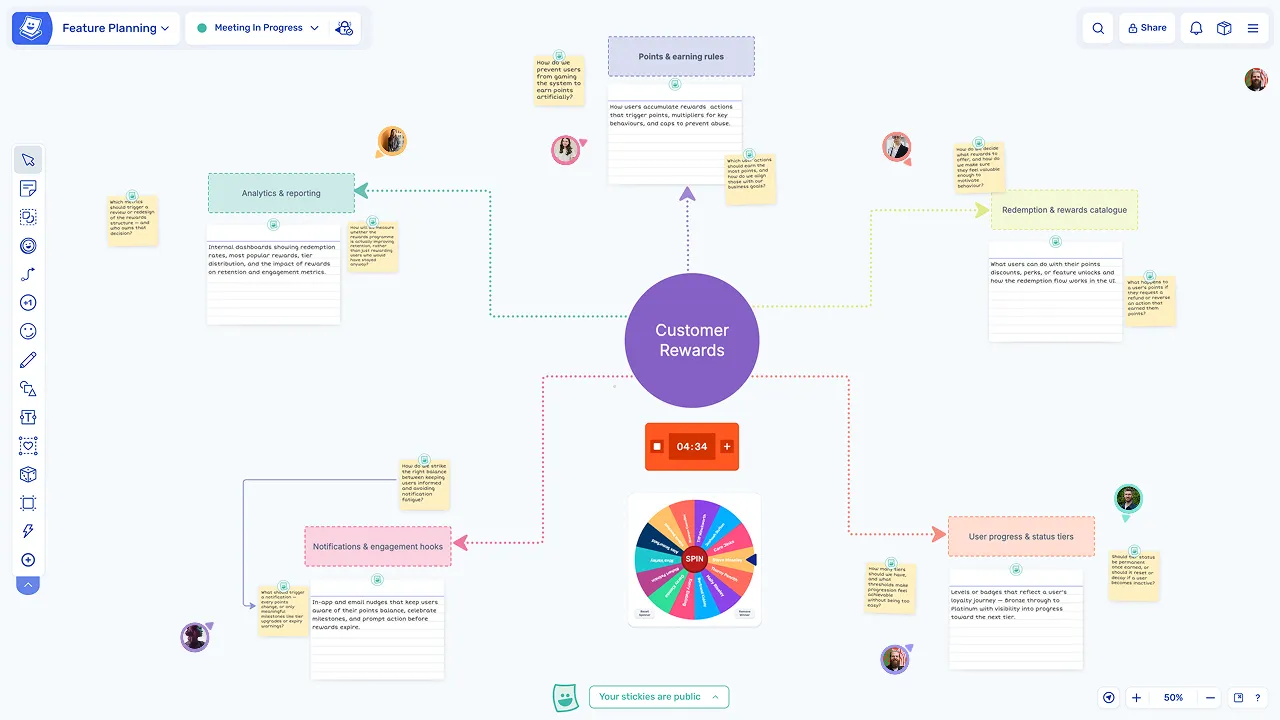
For mindmaps, the team starts with a central topic and branches out. For process maps, shapes and connectors are used to map steps and flows across the canvas.
Collaborate in real time
Multiple participants can build and edit the diagram at the same time using live cursors, making it easy to contribute, refine, and discuss the diagram together.
Annotate, refine, and share
Add notes and annotations
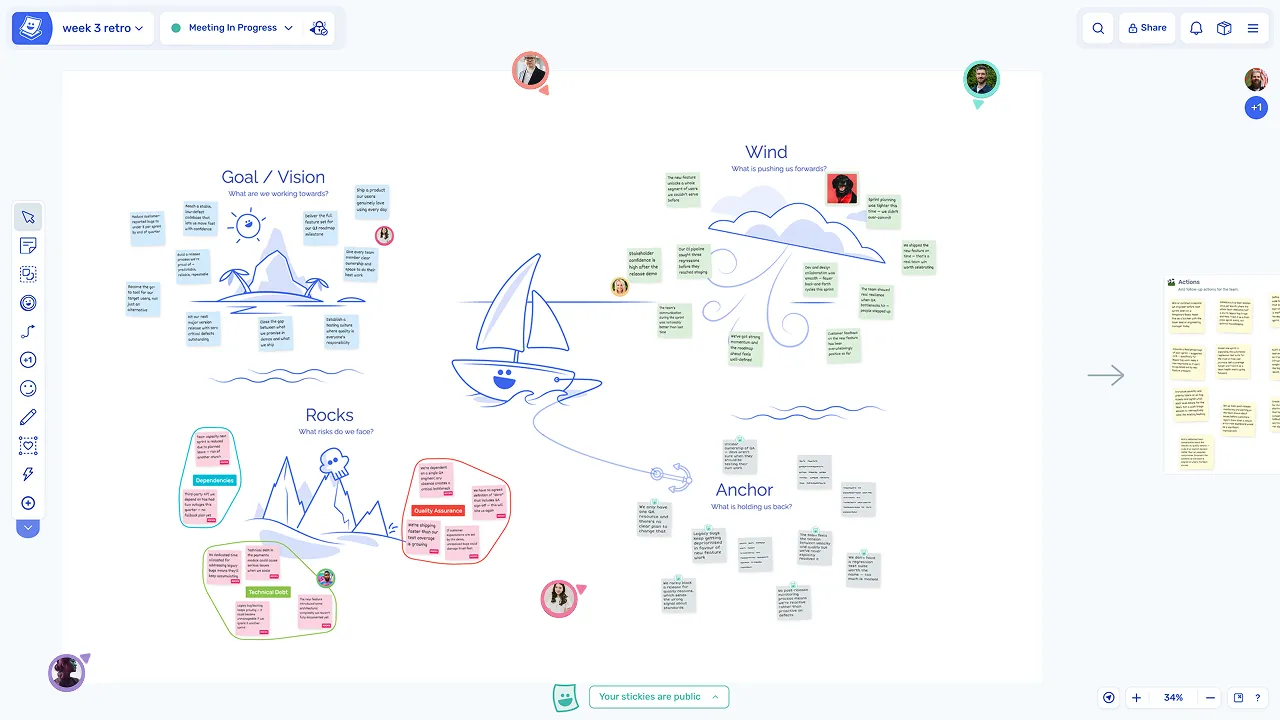
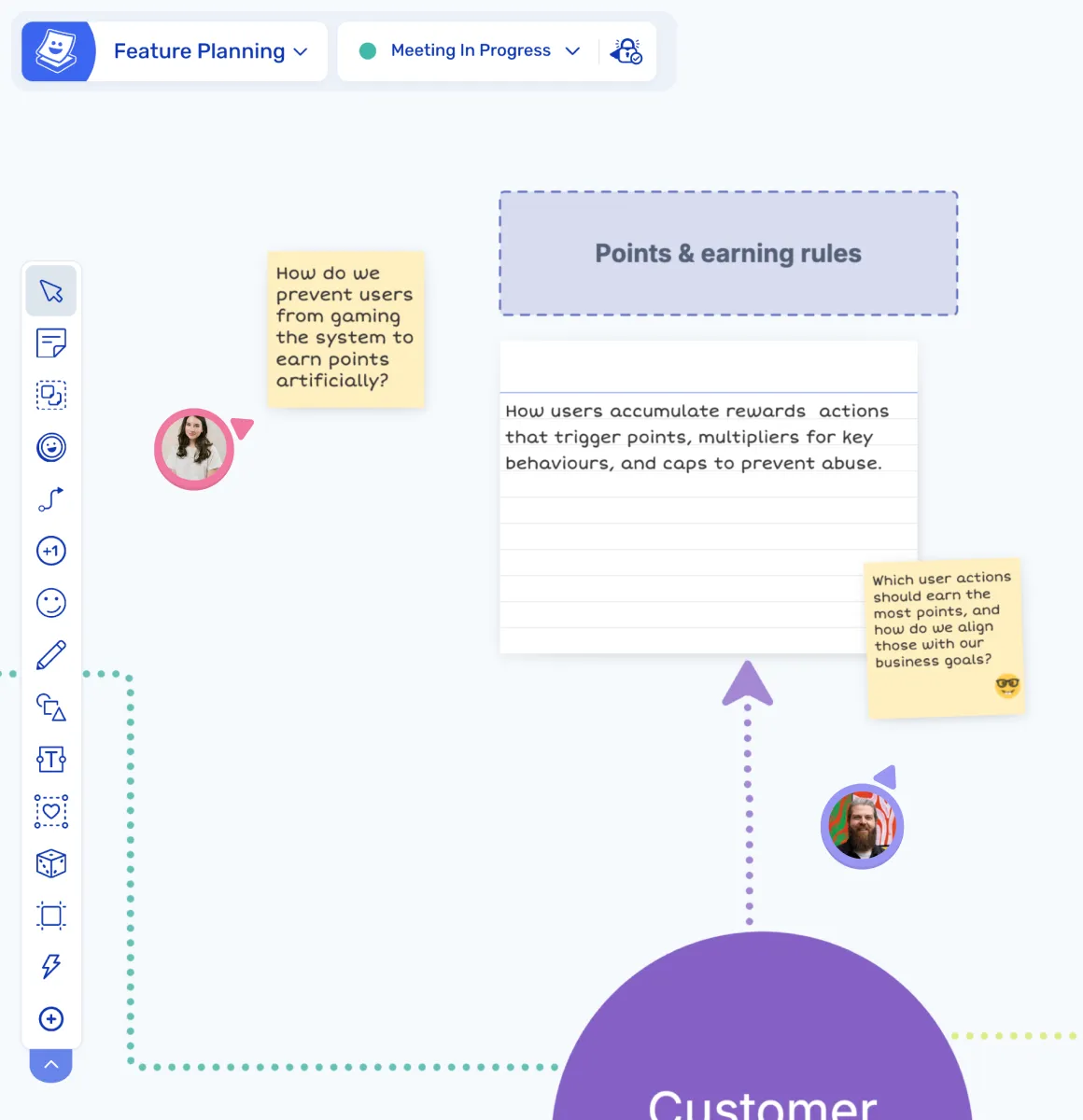
Sticky notes can be added alongside the diagram to capture questions, comments, or additional context, keeping the full discussion connected to the visual.
Organise and refine the diagram
Sections can be rearranged and adjusted on the board to improve clarity and structure, so the diagram evolves naturally as the team's understanding develops.
Share or export the result
The board can be shared for asynchronous review or exported as a PDF, so the diagram remains accessible and useful beyond the session.
Explore other team collaboration activities
Diagramming and mindmaps are part of a wider set of collaboration sessions. Explore other activities you can run in Ludi.
Brainstorming
Generate ideas, group them into themes, and prioritise the best ones in a collaborative session.
Collaborative Workshops
Plan and facilitate multi-phase sessions where teams generate ideas, discuss, and make decisions.
Task and Action Tracking
Create, assign, and follow up on actions from meetings and workshops in one connected workflow.
Visual Collaboration
Work together on a shared canvas to explore ideas, organise information, and align as a team.