

Made for Visual Collaboration
Why Ludi works well for visual collaboration
Visual collaboration works best when teams can see the full picture, contribute at the same time, and organise ideas spatially. Ludi provides a shared canvas where teams can build, arrange, and discuss information together, making collaboration more interactive and effective than working in documents or screen-sharing.

See the full picture, not just a list
Teams can arrange ideas, notes, and content spatially on a canvas, making it easier to understand relationships and context.

Everyone collaborates at the same time
Instead of one person driving, everyone can contribute simultaneously on a shared board, making sessions more inclusive and efficient.

Simple and intuitive to use
Participants can start contributing immediately using simple interactions like adding stickies or dragging content, with no learning curve.

Flexible for any type of session
Teams can work freely on a blank canvas or use templates and tools to structure the session when needed.
What is visual collaboration?
Visual collaboration is any session where a team works together on a shared canvas to explore ideas, solve problems, or align on a topic. These sessions can include ad-hoc discussions, feature planning, architecture sketching, design reviews, and cross-team alignment.
They can be run live with the team or asynchronously over time, with participants adding and organising content as needed.
How teams collaborate visually in Ludi
Start with a blank board or template
Teams can begin with a blank canvas or choose a template depending on the activity, giving just enough structure to get started without restricting how the session unfolds.
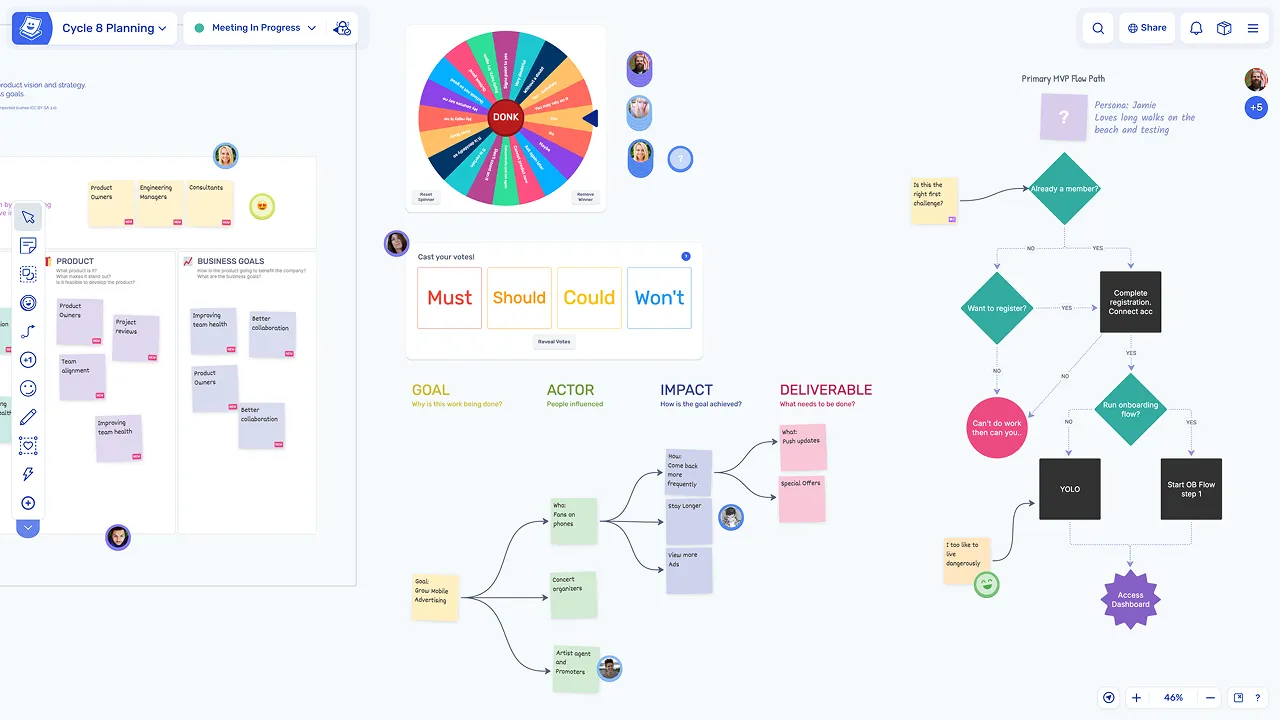
Build a shared visual workspace
Participants add sticky notes, draw, place images, and organise content to create a shared view of the topic, making information visible and accessible to everyone on the board.
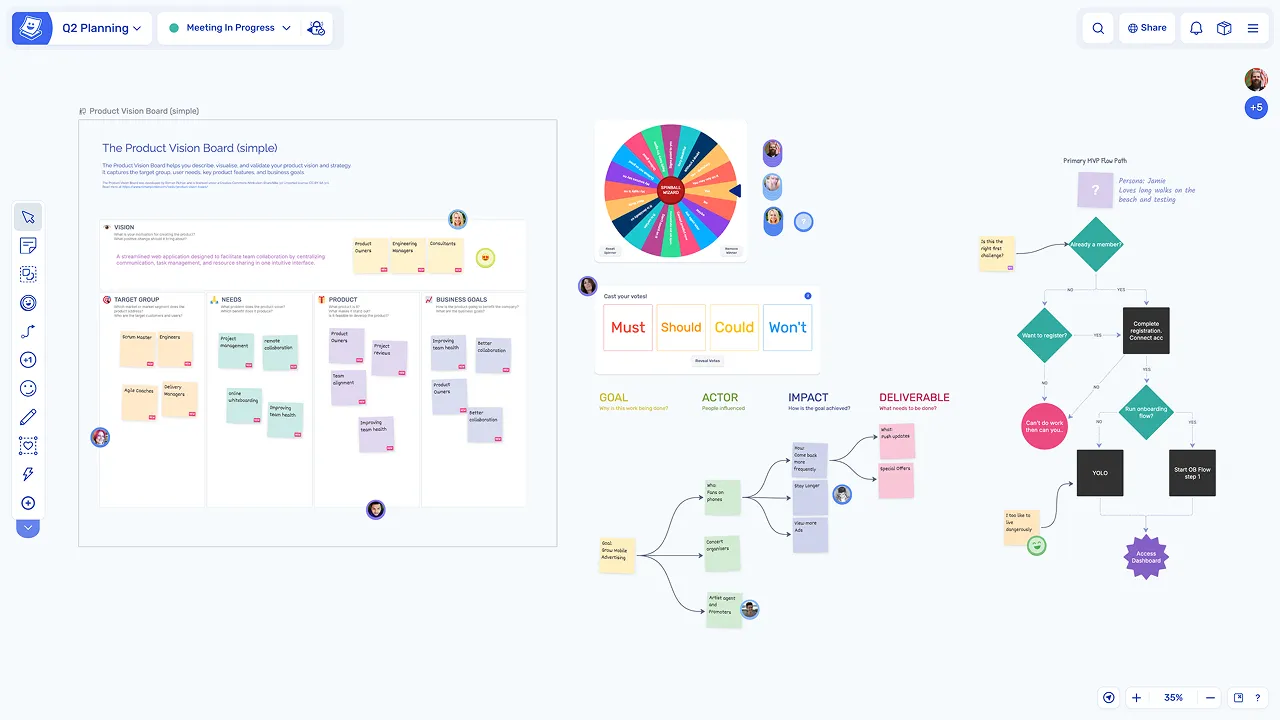
Collaborate in real time or asynchronously
Multiple people can work on the board at the same time, or contribute over time for async collaboration, making visual sessions flexible for any team or timezone.
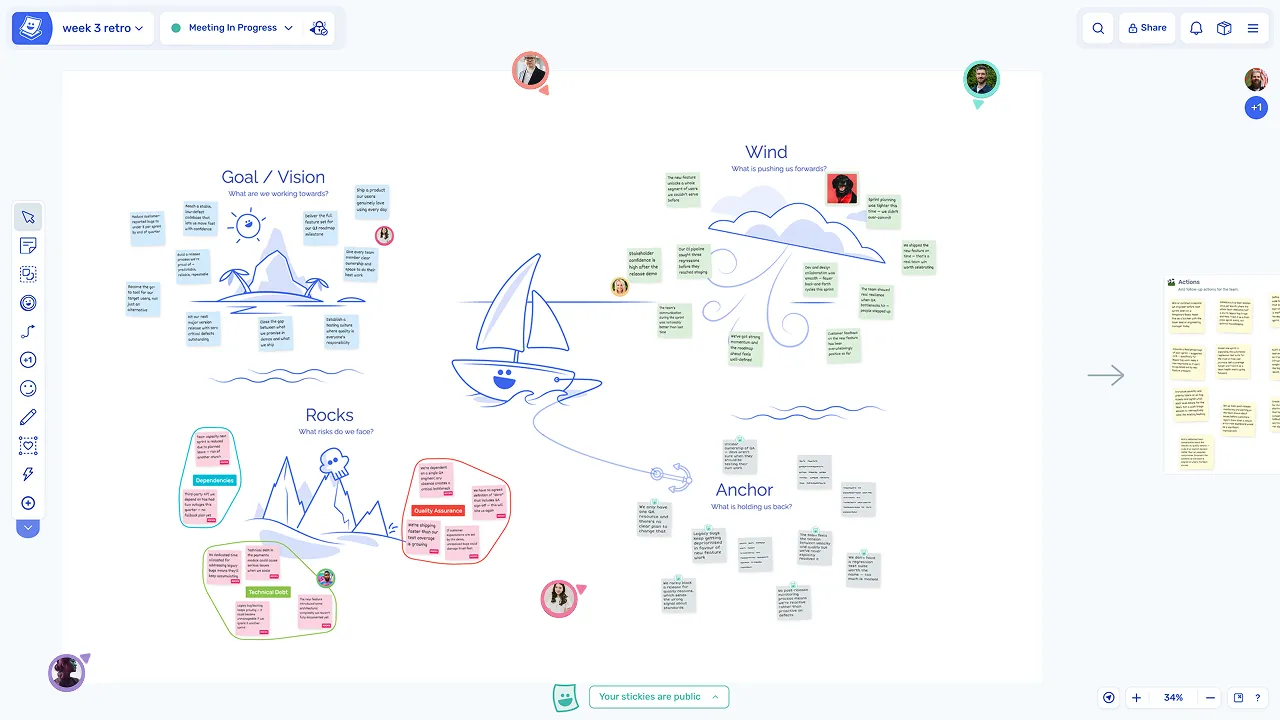
Structure, capture, and share outcomes
Structure the session when needed
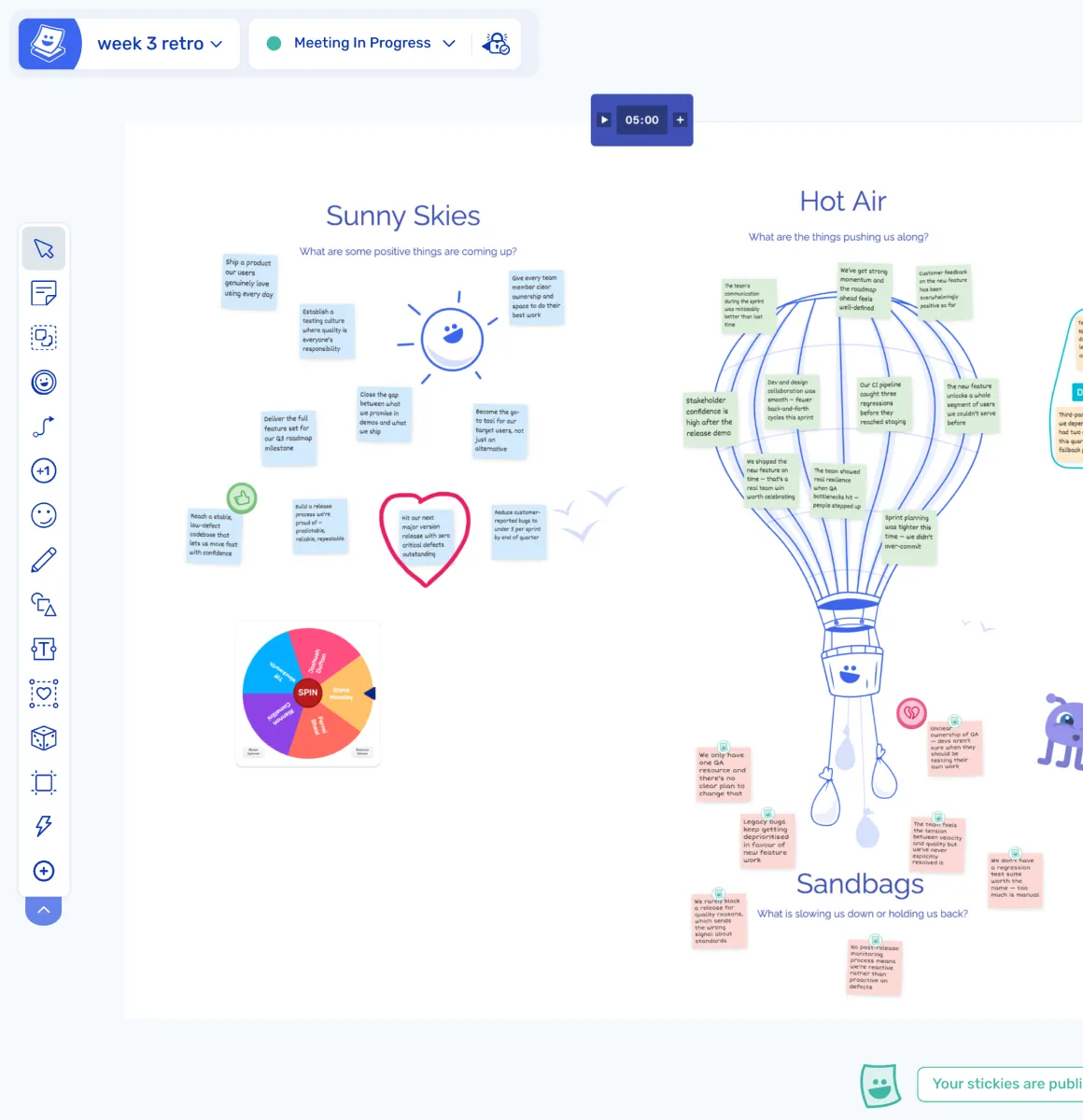
The host can use timers, voting, and activity frames to guide the session, or keep it freeform depending on the type of collaboration the team needs.
Capture and share outcomes
Results are saved on the board, exported, or turned into actions for follow-up, so the work done during the session is not lost and can be shared with the wider team.
Explore other team collaboration activities
Visual collaboration is one of several collaboration approaches teams use. Explore other activities you can run in Ludi.
Brainstorming
Generate ideas, group them into themes, and prioritise the best ones in a collaborative session.
Collaborative Workshops
Plan and facilitate multi-phase sessions where teams generate ideas, discuss, and make decisions.
Diagramming and Mindmaps
Create diagrams and mindmaps to explore ideas and map complex systems collaboratively.
Task and Action Tracking
Create, assign, and follow up on actions from meetings and workshops in one connected workflow.