

Made for Backlog Refinement
Why Ludi works well for backlog refinement
Backlog refinement works best when the whole team can see the work, discuss it together, and make decisions in real time. Instead of one person screen sharing and everyone else passively listening, Ludi gives the team a shared workspace where backlog items can be reviewed, discussed, and broken down collaboratively, with everything captured and synced back to Jira.

Collaborative refinement, not passive meetings
Instead of one person presenting backlog items while the rest of the team listens, everyone can interact with items on a shared board, add questions, and take part in the discussion.

Visual story breakdown
Stories that are too large or unclear can be broken down visually by moving cards and notes around the board, making it easier to split work into smaller, clear tasks.

Jira stays in sync
Backlog items can be pulled from Jira, updated during the session, and synced back automatically, so there is no need to manually update Jira after the meeting.

Questions and concerns are captured
Team members can add questions and concerns directly next to backlog items, so important details are not lost in a verbal discussion.
What is Backlog Refinement?
Backlog refinement is the session where the team reviews upcoming backlog items to make sure they are clear, properly scoped, and ready for sprint planning. The Product Owner typically presents stories, the team asks questions, discusses acceptance criteria, and works through any uncertainty or missing information.
During the session, items may be estimated, split into smaller pieces, clarified, or flagged as not ready. The goal of backlog refinement is to make sure that by the time sprint planning starts, the team is working with well understood, properly sized, and ready to deliver backlog items.
How teams run backlog refinement in Ludi
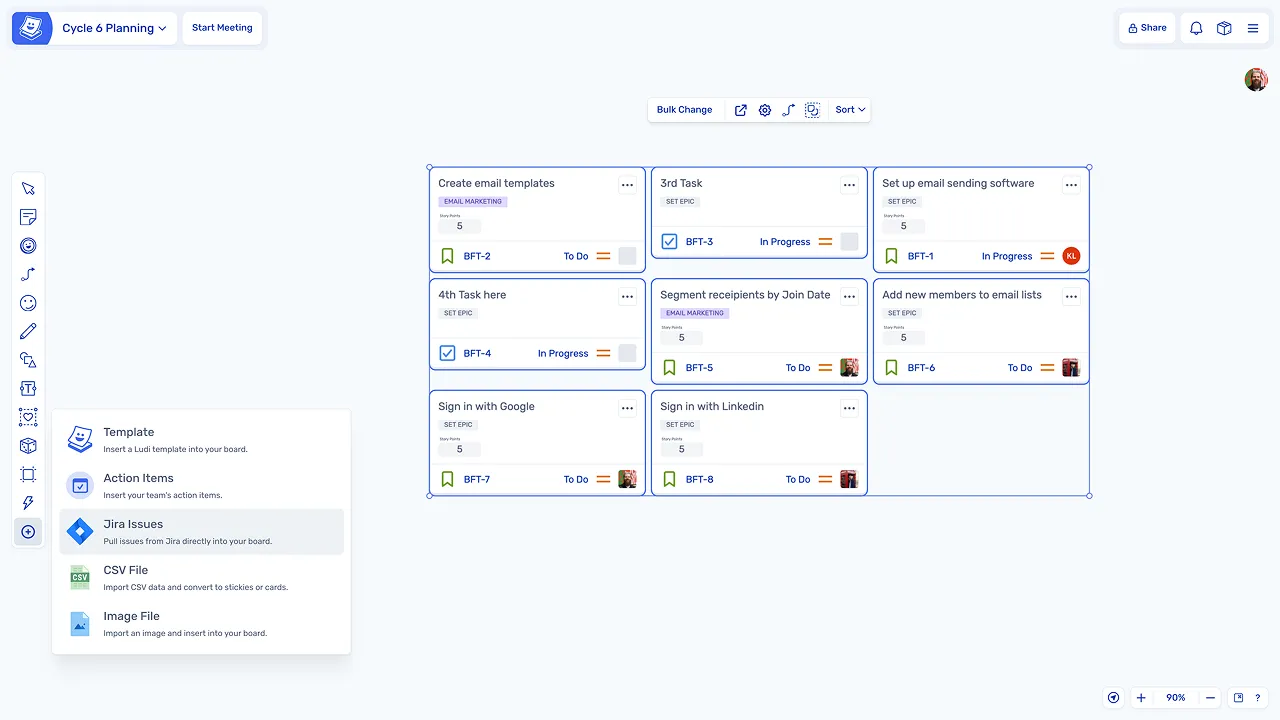
Pull backlog items onto the board
The team pulls backlog items directly from Jira onto the board, so everyone can see and interact with the stories being reviewed.
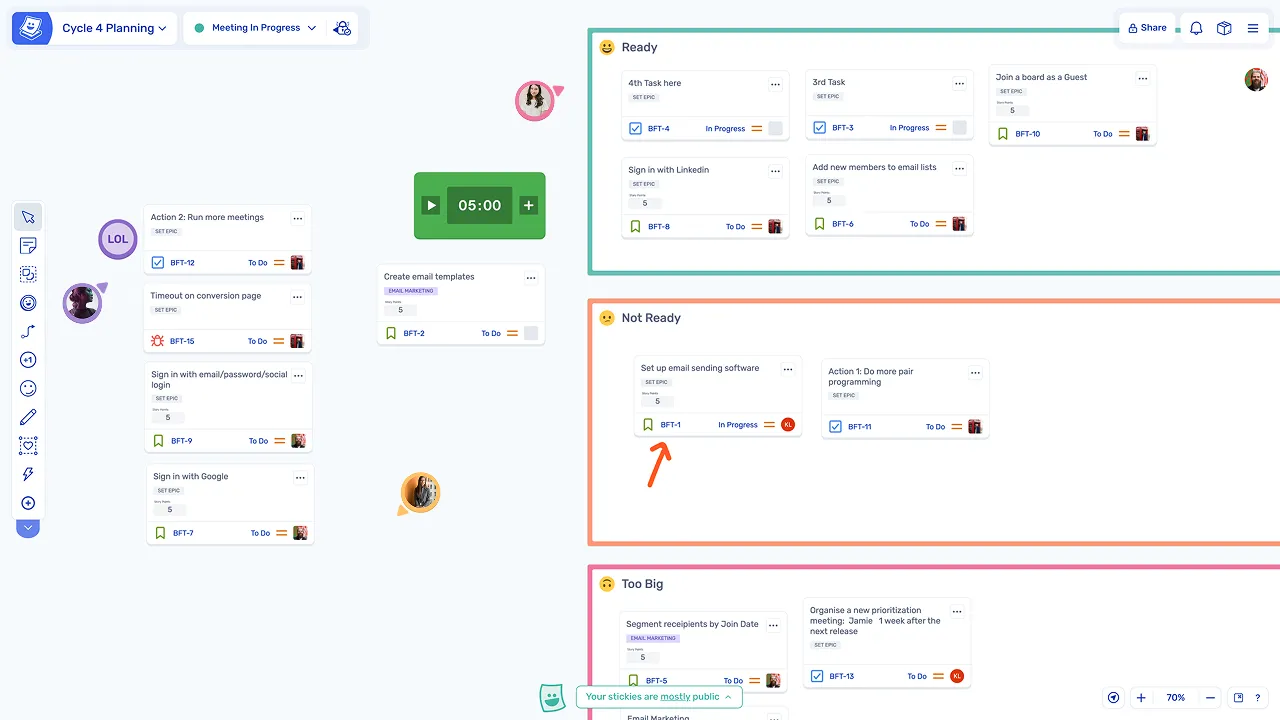
Sort items by readiness
Backlog items can be dragged into zones such as Ready, Needs Discussion, and Too Big / Break Down, helping the team quickly see which items are prepared and which need more work.
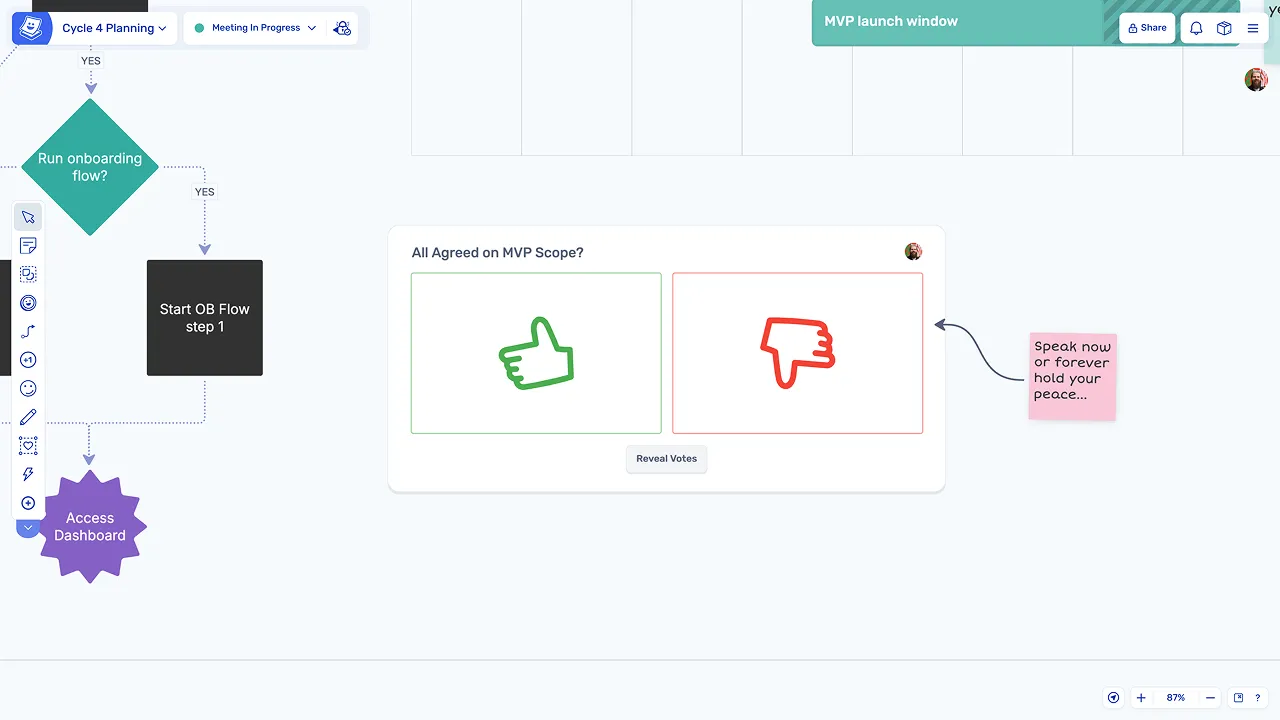
Discuss and add questions
As each item is reviewed, team members add questions, concerns, or notes as sticky notes around the Jira card so feedback is captured during the discussion.
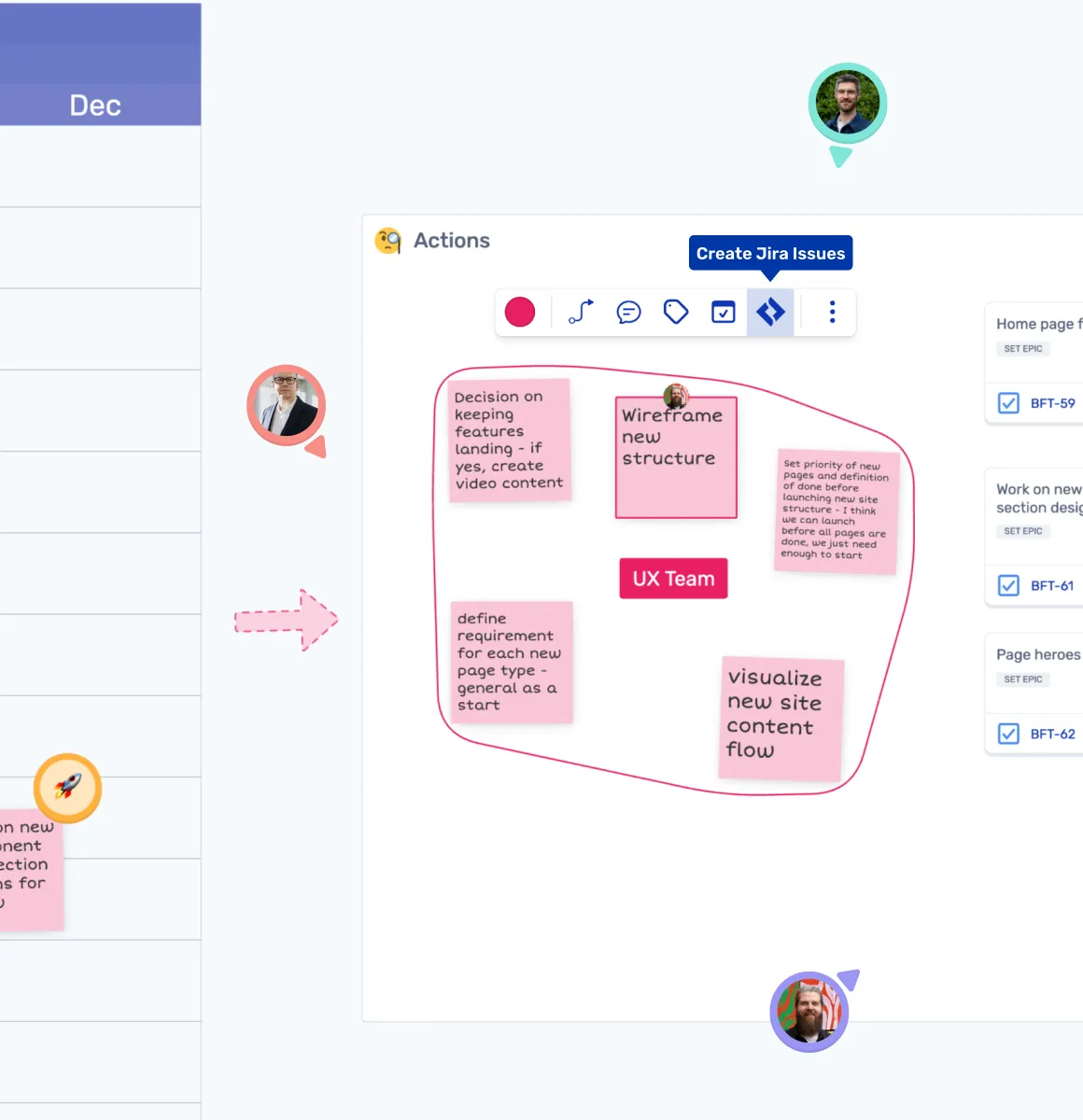
Break down, estimate, and keep it moving
Break down stories visually
Stories that are too large can be broken down visually on the board, and new Jira issues can be created from sticky notes created during the session.
Estimate and update Jira
The team can add estimates during refinement using story points or T-shirt sizing, with estimates syncing back to Jira.
Keep discussions timeboxed
Timers help keep discussions focused so the team can review all planned items within the session.
Explore other agile meetings
Backlog refinement is one of several agile meetings teams run regularly. Explore other agile sessions you can run in Ludi.
Retrospectives
Reflect on what went well, what didn't, and what to improve with structured retros.
Sprint Planning
Plan your next sprint visually with drag-and-drop user stories and a shared board.
User Story Estimation
Estimate effort collaboratively with structured estimation activities and planning poker.
Planning Poker
Run async-friendly poker estimation sessions to align the team on story complexity.
Daily Standups
Keep standups focused and async-friendly with a shared status board.
Story Mapping
Map user journeys and plan releases visually with collaborative story mapping boards.